
Tutorial 1 - Access an API with Winforms
This tutorial will enable you to access data from an API in Winforms. It is a good place to start as you don't need to learn MVC you can do everything you need within a familiar WinForms environment.
This tutorial will enable you to access data from an API in Winforms. It is a good place to start as you don't need to learn MVC you can do everything you need within a familiar WinForms environment.
This tutorial will enable you to make a start building MVC (Model View Controller) apps. MVC uses a web front end. It is far more complex than winforms but the end result is more modern and much more attractive.
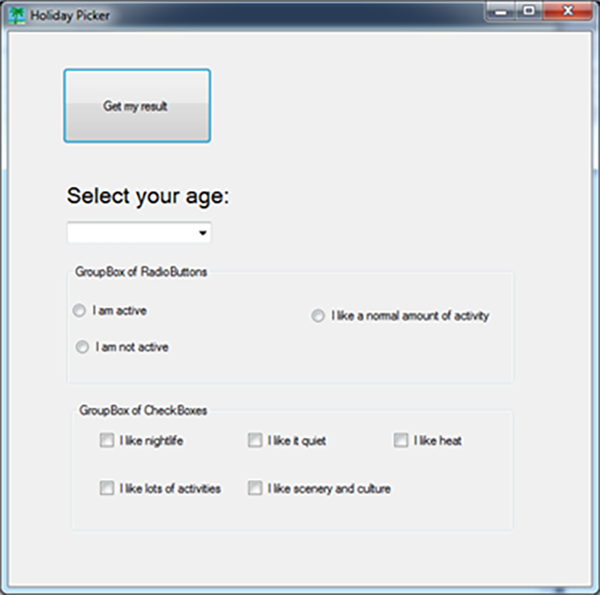
This self-guided resource will enable you and your student's to build a simple C# winforms 'Holiday Selection App' which will recommend holidays to the user based on user inputs.
This tutorial will enable you to access data from Spotify using MVC and ASP. This is a complex tutorial which I have simplified as far as I could, but it will take some time to complete. The end result is a great interactive music experience using Spotify data.
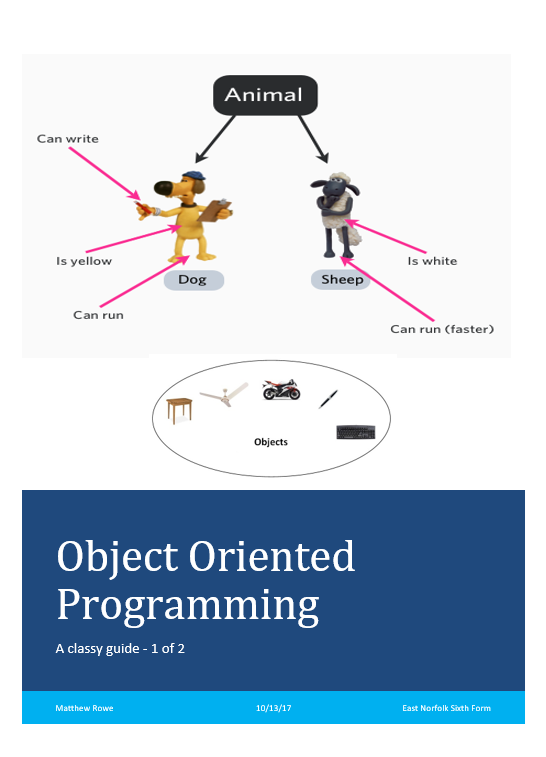
This self-guided resource will enable you to build and work with classes in a C# winforms environment. It assumes that you are familiar with Winforms.
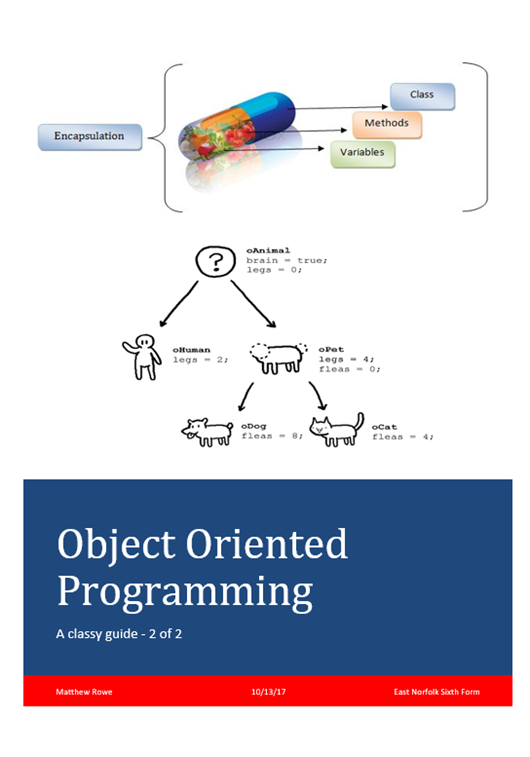
This self-guided resource focuses on more advanced OOP issues such as overloading and use of constructors.
This self-guided resource focuses on the use of Polymorphism, what it is, why it is useful and how to write polymorphic functions.
This self-guided resource allows you to see hashing in action, various hashing algorithms are used from SHA256 through to B-Crypt with salt!

This self-guided resource allows you work with strings, string handling is a very common requirement in a lot of programs, it is used on almost all programs where the user has to enter text. Learning these functions will enable you to write a much wider variety of applications.
This self-guided resource will walk you through the steps to access an Access database from a Winforms project. It is worth noting that this is one of many techniques available to do this. It uses an engine called JET or ACE (depending on your PC setup) and is fairly simple to follow. You will end up with a separate database which you can access and alter from your winforms applications